
📄 Download Location Format ad anatomy and spec sheet here
.gif?width=670&height=377&name=Help%20Center%20-%20Template%20(6).gif)
Combine any video content with live map data to drive in-store foot traffic and awareness
Best used for:
- Local or multi-location brands
- Driving foot traffic to store
- Bottom-funnel campaigns
- Ideal for Retail, QSR, Auto, Healthcare
Creative Specifications
Have your video asset, logo, and location address ready before you start:
|
Asset |
Specifications |
|
| Media Asset |
|
|
| Map Animation |
|
|
|
Content Card |
|
|
|
Headline (Optional) |
|
📌 Location Format shares base VAST creative specifications with all Nova Studio formats. For social icon, QR code, and CTA specs see VAST Creative Specifications
Choose Your Map Animation Style
The Location format opens with an animated map that zooms to your address. You can choose from three animation styles depending on the look you want.
| Style | |
| Standard | 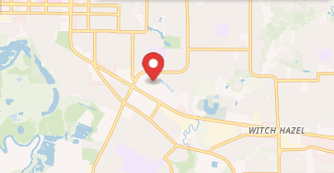 |
| Detailed | 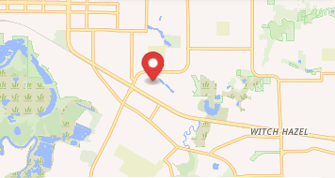 |
| Simplified | 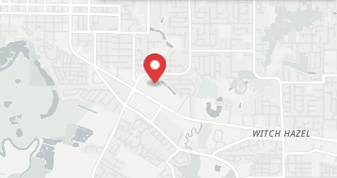 |
💡 The pin always lands on the exact address you enter, so make sure your location details are correct before previewing.
Best Practices
- Use high-performing social video — an existing engagement signal is the best indicator of what resonates with your audience
- Link the QR code directly to a specific location page or offer, not the homepage
- Make sure the location address matches exactly what appears on Google Maps to avoid map rendering issues
Can't Find What You're Looking For?
If your assets don't meet the specifications above or you need help with your upload, contact our support team at support@novastudio.ai