
Download one pager here.
Recommended Video Specs
For the best performance, we recommend uploading your video with the following specifications. Videos that fall outside these recommendations may experience slower load times, buffering, or lower completion rates.
|
Specification |
Recommendations |
|
File type |
MP4 |
|
Aspect ratio |
9:16 to 16:9 |
|
Minimum width |
480px |
|
Maximum width |
720px |
|
File size |
3MB recommended, 100MB max |
|
Duration |
15 seconds or less for best performance, 30 seconds or less for optimal performance |
💡 Keeping your video within the recommended file size and resolution will improve the viewing experience by delaying the "Keep Watching" overlay and increasing completion rates.
Playback Options Recommendations
Nova Studio supports two playback options: Autoplay and Click to Play. See the following recommendations below to get the best performance out of each:
Autoplay
The video plays automatically with sound off when at least 50% of the ad is visible on the user's screen. The video pauses when the user scrolls past it.
Autoplay is the recommended option for most campaigns as it delivers higher start and completion rates compared to Click to Play.
Recommendations for best results:
- Use 15 seconds or less for the highest completion rates
- Add captions to communicate your message when sound is off
- Keep file size at or under 3MB for the smoothest autoplay experience
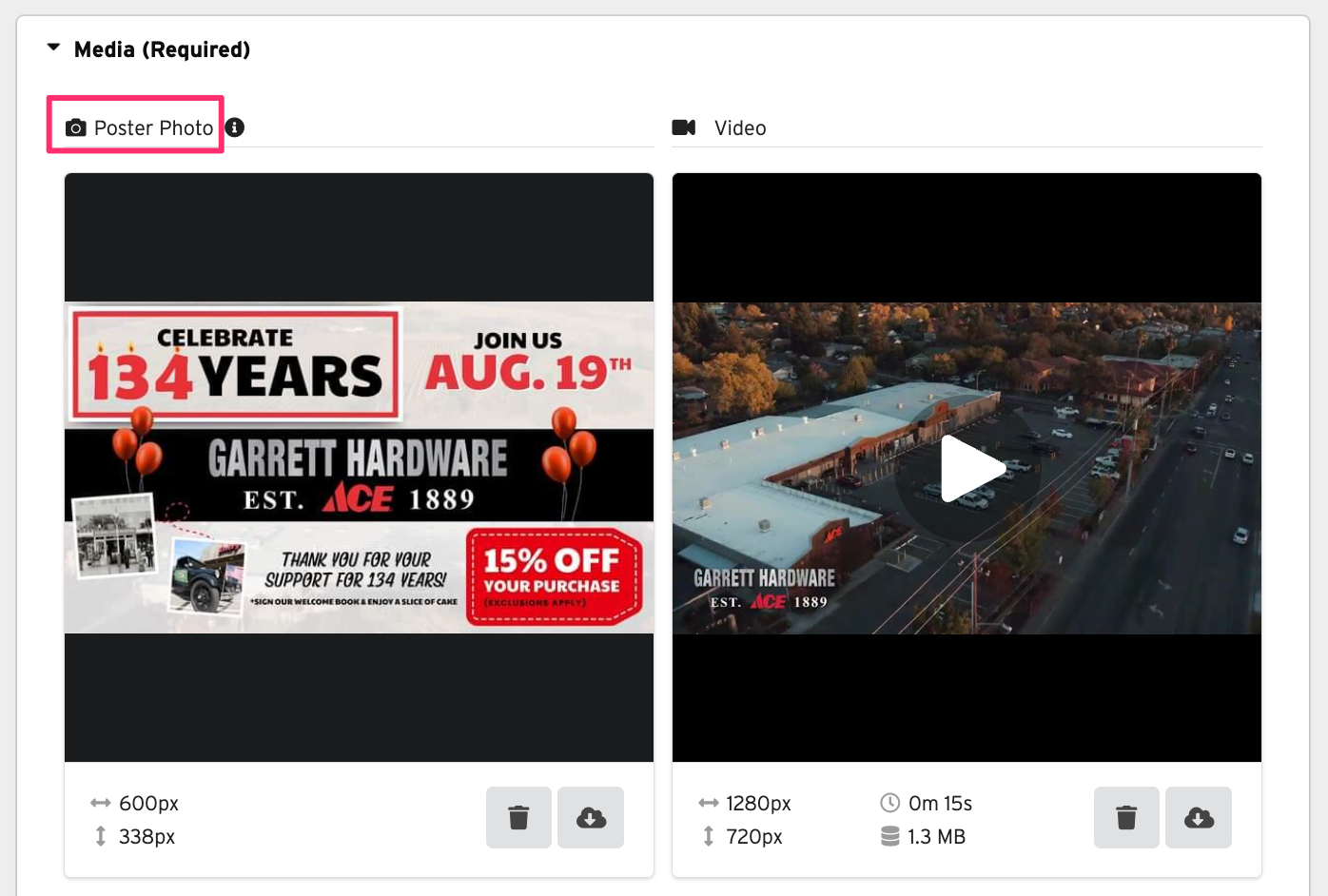
- Upload a Poster Photo to set the first image users see before the video plays
⚠️ Autoplay on Chrome: Videos will autoplay until the 4MB bandwidth limit is reached (Google's Heavy Ads Policy), then display a "Keep Watching" overlay — similar to the Instagram experience.
Click to Play
The user must click to initiate video playback. The video begins with sound on, with an option to mute. Since playback is user-initiated, Click to Play typically delivers lower start and completion rates than Autoplay.
Recommendations for best results:
- Use a strong Poster Photo to drive clicks before playback starts
- Keep your video under 30 seconds for better completion rates
- Keep file size under 10MB for the smoothest playback experience
- Use for longer or higher-production videos